What SEO features are restricted on a free Wix plan?
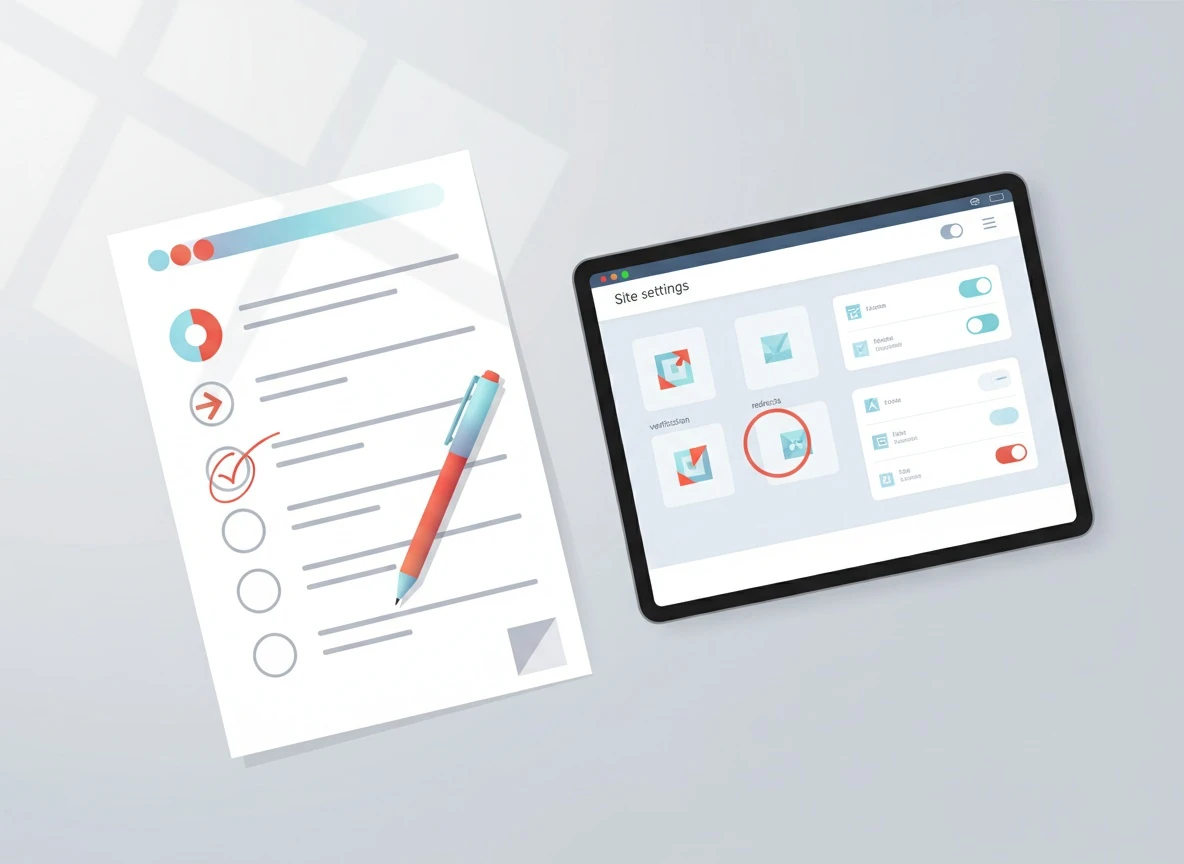
A Wix free website builder gives you a real site, but not a fully controllable SEO surface. The restrictions that matter aren’t “you can’t do SEO,” they’re “you can’t send the strongest trust and ownership signals.”
Here’s what I see most often when someone starts publishing seriously on a free plan:
1) You’re on a free website domain (a subdomain), not your own.
Your URL typically looks like
username.wixsite.com/sitename
. That affects branding, link earning, and how confidently other sites cite you. It also complicates future moves because you’re migrating from a hosted subdomain to a root domain, not just changing platforms.
2) Ads and UX clutter can reduce engagement signals.
Wix-branded banners are not an SEO “penalty,” but they can hurt the metrics that correlate with performance: scroll depth, time on page, and return visits. Google has been explicit that page experience matters, especially when content is similar across results. Their guidance on page experience and Core Web Vitals is worth reading straight from Google Search Central’s page experience documentation.
3) Verification and ownership signals can be harder.
Search Console verification is the line between guessing and knowing. On some setups, DNS verification (the cleanest method) is not available unless you control a custom domain. You can still verify via HTML tag in many cases, but it’s one more moving part.
4) Redirect control is limited when you don’t own the domain.
Redirects are not just “nice to have.” They are how you preserve rankings when URLs change. When you move from a Wix subdomain to a custom domain, you want tight control over SEO and redirects so every old URL points to its new equivalent with a 301. If you cannot implement that mapping cleanly, you bleed equity.
A quick reality check: if your goal is to learn SEO and publish a handful of pages, free is fine. If your goal is to build an asset that compounds, you’re eventually going to want ownership-level controls.
How do Wix subdomains affect trust and rankings?
SEO subdomains are not automatically bad. Google has repeatedly said it can understand subdomains, and you will find subdomains ranking in competitive SERPs. The practical issue is not “Google can’t rank subdomains.” The issue is that a subdomain is a weaker brand and link magnet for most first-time creators.
Here’s the operator view:
A custom domain is a signal that you’re a real destination, not a temporary page. When someone considers linking to you, a clean domain looks legitimate. When someone shares your page, the URL looks intentional. That changes your link velocity and citation rate, which impacts authority over time.
Also, a Wix-hosted subdomain is not portable in the same way a root domain is. If you later decide to switch platforms (Wix vs WordPress is a common fork), your domain stays the same if you already own it. If you started on a Wix subdomain, your identity changes at the same time as your platform, which is a bigger SEO event.
One sentence I’ll stand behind because I’ve seen it play out: If you want SEO to compound, put your content on a domain you control as early as you reasonably can.
If you want the deeper “why is my content good but not ranking” diagnosis lens, this breakdown is useful: why great content still doesn’t rank. The pattern is usually not the writing, it’s the trust and discoverability layer.
What can you still do to improve indexing and snippets?
You can do meaningful SEO work on a Wix free website. The goal is to focus on the parts that transfer: content quality, information architecture, internal linking habits, and indexability hygiene.
Get Search Console data, even on free
First priority: set up Google Search Console and confirm you can see impressions, queries, and indexing status. If you can verify via HTML tag, do it. Then submit your sitemap if Wix exposes it for your setup (Wix typically generates a sitemap at
/sitemap.xml
).
Use Search Console for two things weekly:
- Check Pages (indexing) for “Crawled - currently not indexed” and “Discovered - currently not indexed.”
- Check Performance to find queries where you’re getting impressions but low clicks, then rewrite titles and meta descriptions to match intent.
Google’s own reference for troubleshooting indexing issues is the fastest way to avoid myths: Google Search Central: Page indexing report.
Control what you can: titles, metas, and on-page structure
Even on a free plan, you can usually edit page titles and meta descriptions in the Wix editor. Don’t overthink tools. Write titles like a human who understands the query.
A snippet formula that consistently lifts CTR:
- Lead with the exact problem and outcome.
- Add a qualifier (2026, beginner, checklist, template).
- Keep it under truncation limits.
Example: “Wix Portfolio SEO Checklist (2026): Get Indexed Fast” beats “Home | My Site” every day.
Structured data: use it selectively
Wix supports some structured data, but your control may vary by template and app stack. If you can add JSON-LD for Organization and Article, do it. If you can’t, don’t spiral. Structured data helps with eligibility for rich results, but it does not replace relevance and authority.
Google’s baseline requirements are clear: structured data documentation.
Robots directives and noindex: be intentional
New creators accidentally block indexing more than you’d think. Common causes:
- A page set to “noindex” during setup and never flipped back.
- Thin tag pages (or internal search pages) that create crawl waste.
Your rule: Index pages that satisfy a real query. Noindex pages that exist only for navigation or internal filtering.
Page speed: focus on what you can control
Wix performance is often “good enough,” but you can still sabotage it with heavy media. Two practical moves that matter:
- Resize images before upload (don’t upload a 4000px hero image for a 1200px slot).
- Limit third-party apps and embeds.
If you want a practical stack for faster pages, this list is solid: best website development tools for SEO-friendly sites.
Content strategy: publish in a way that migrates cleanly
This is where most free-plan creators waste months: they publish random posts without a structure, then can’t migrate without cannibalization.
Instead, build a small, tight topical cluster:
- One “hub” page targeting the main topic.
- 3-6 supporting posts answering specific sub-questions.
- Internal links pointing back to the hub using descriptive anchors.
If you’re running a Wix website portfolio, write pages that map to how clients search: “brand photographer in [city],” “UX designer for SaaS onboarding,” “wedding videographer pricing,” etc. Portfolio pages can rank when they answer commercial intent clearly.
When should you upgrade for a custom domain?
Upgrade is not about “being serious.” It’s about reducing avoidable SEO friction.
Here’s the decision framework I use with first-time creators:
| Signal | Stay on free Wix | Upgrade and connect a domain |
|---|
| You’re still validating your niche | Yes | Not yet |
| You plan to publish 20+ posts in the next 90 days | Risky | Yes, do it first |
| You want backlinks and citations to stick long-term | Weak | Strong |
| You need clean migration control | Limited | Much better |
| You care about brand trust and conversions | Weak | Strong |
If you’re already seeing impressions in Search Console and you’re about to scale content, upgrade before you scale. A clean domain early prevents the “we built traffic on a temporary URL” problem.
A note on Wix buy domain: you can buy a domain through Wix or any registrar. What matters is that you control DNS and can implement verification, redirects, and email properly. Choose the path that you’ll actually maintain.
How to migrate from Wix free to a custom domain without losing discoverability

This is the part that separates “I upgraded” from “I upgraded and my traffic disappeared.”
A clean migration has three jobs: preserve URLs where possible, redirect what changes, and make Google re-crawl fast.
Use this ordered checklist (order matters):
- Inventory your current URLs: export from Search Console (Pages report) and crawl your site if possible.
- Decide URL structure on the new domain: keep slugs identical if you can.
- Map every old URL to a new URL: no mass redirects to the homepage.
- Implement 301 redirects where supported (this is the heart of SEO and redirects).
- Update canonicals so the new domain is canonical, not the old subdomain.
- Resubmit sitemap in Search Console and request indexing for your top pages.
- Monitor for 404s and soft 404s for 2-4 weeks and fix immediately.
Two migration truths that save pain:
- A one-to-one redirect map is non-negotiable if you care about preserving rankings.
- Don’t change content and URLs at the same time unless you have to. Split the risk.
If you’re also debating platform choice long-term, it’s worth reading a neutral comparison of constraints and controls. Wix vs WordPress isn’t about which is “better,” it’s about how much technical SEO surface you need.
The practical path: publish intelligently now, then scale
A Wix free website is fine for learning, testing topics, and building a small body of work. The moment you want compounding growth, you’ll want a custom domain and a workflow that keeps publishing consistent.
If you’re stuck on the “what should I publish and when” part, the schedule matters less than consistency, but timing can still help distribution. This breakdown gives a pragmatic cadence model: best time to post blog articles based on real data. Consistency is the bigger lever, and this is why: the real cost of not publishing SEO content consistently.
Next step: open Search Console, find the 5 queries where you already get impressions, and write 5 pages that answer those intents better than anything else on page one. Do that on free if you’re validating, but upgrade to a custom domain before you scale past your first real cluster so your authority compounds in the right place.

 VellumUp9 min read