How do Wix and WordPress differ for SEO control?
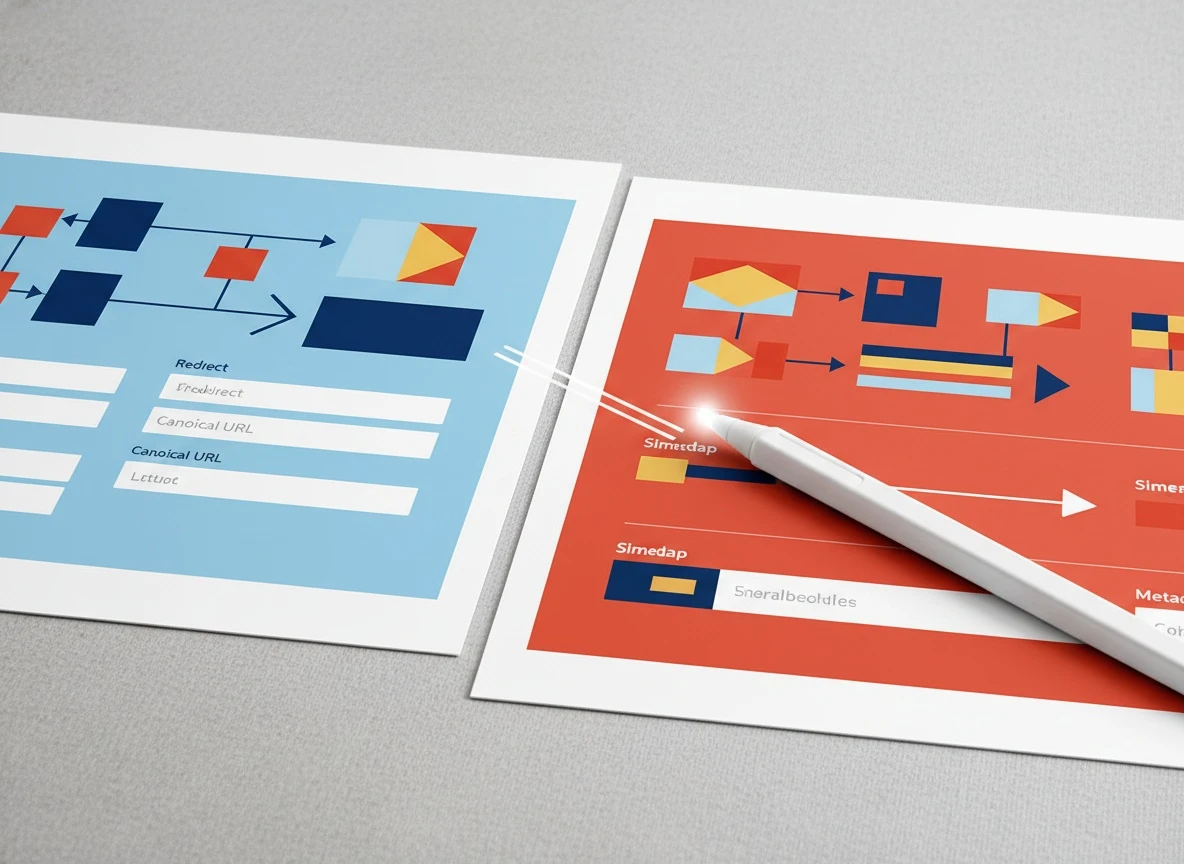
Wix vs WordPress is a control tradeoff. Wix gives you guardrails. WordPress gives you knobs, levers, and the ability to misconfigure all of them.
On Wix, most core SEO plumbing is built-in: editable titles and meta descriptions, URL slugs, 301 redirects, XML sitemaps, robots controls, and a managed infrastructure that stays consistent across updates. For a founder who wants the simplest path to “publish, get indexed, build authority,” those guardrails matter. Fewer moving parts means fewer ranking-killing surprises.
WordPress gives you deeper control over technical SEO decisions because it is a CMS framework, not a bundled product. You can fine-tune taxonomy strategy, custom post types, advanced schema, editorial permissions, internal linking automation, and programmatic SEO patterns. The catch is that you are responsible for assembling and maintaining the stack: theme, plugins, caching, security, backups, and wordpress website hosting.
A practical way to think about SEO control is to map it to the things founders actually touch:
| SEO element | Wix | WordPress |
|---|
| Titles, meta descriptions, headings | Strong built-in | Strong, often via plugin |
| Canonical tags | Mostly handled, limited edge-case control | Full control, but easy to misconfigure |
| Schema markup | Built-in basics, some customization | Full customization via plugins or code |
| Redirects and URL changes | Straightforward | Powerful, but needs process |
| Sitemaps | Automatic | Automatic via plugin, but can be fragmented |
| Editorial workflow | Simple | Highly customizable (roles, approvals, custom fields) |
If you plan to hire an seo freelancer later, WordPress can be a playground for advanced work. If you plan to stay lean and ship content weekly, Wix’s constraints are often a feature, not a limitation.
Google’s own guidance is blunt: search performance depends on quality and accessibility, not the brand of CMS. The platform only matters insofar as it affects crawlability, speed, and your ability to publish useful content consistently. See Google Search Central’s SEO starter guide for the baseline requirements.
What’s the real cost of plugins, hosting, and maintenance?
wordpress hosting is where WordPress SEO projects quietly succeed or fail. The platform itself is “free,” but the operating cost is real.
With Wix, your costs are packaged: hosting, security, updates, and a set of SEO features. The “free” tier is fine for testing, but serious SEO almost always requires a custom domain. A free website domain (a subdomain) is a trust and branding handicap, and it can limit how seriously people take your site when deciding to link to you. Backlinks are still one of the strongest ranking factors, and you want your brand domain on every mention.
With WordPress, the line items stack up quickly: paid theme, premium plugins, backups, security, caching, image optimization, and sometimes a developer for fixes. The most common failure mode I see is founders installing too many plugins “just in case,” then wondering why the site got slow, unstable, or started outputting duplicate metadata.
A realistic cost model looks like this:
| Cost category | Wix | WordPress |
|---|
| Hosting and updates | Included | Separate (varies widely) |
| SEO features | Included | Often needs plugin(s) |
| Security and backups | Included | Separate tools or host features |
| Maintenance time | Low | Medium to high unless outsourced |
| Risk of breakage | Low | Medium to high (theme/plugin conflicts) |
If your goal is seo for company website growth with minimal operations, the platform that reduces maintenance wins more often than the platform with theoretical maximum flexibility.
This is also why content cadence matters. The hidden cost is not just dollars, it is inconsistency. If publishing slips from weekly to monthly because the stack is annoying to manage, rankings suffer. We broke that down with real numbers and opportunity cost in The Real Cost of Not Publishing SEO Content Consistently.
How do page speed and templates affect Core Web Vitals?

Core Web Vitals are not “a WordPress problem” or “a Wix problem.” They are a page weight and template discipline problem.
Google measures real-user experience through metrics like LCP (Largest Contentful Paint), INP (Interaction to Next Paint), and CLS (Cumulative Layout Shift). Google has been clear that these are part of the page experience system, and they matter most when content quality is similar across results. The official definitions and thresholds are in Google’s Core Web Vitals documentation.
Here’s what actually moves the needle in the field, regardless of platform:
- Hero images that are too large or loaded incorrectly
- Heavy sliders, animation widgets, and third-party scripts
- Templates that shift layout as fonts and images load
- No caching strategy (more common on WordPress)
On Wix, you generally get a stable baseline because the hosting and delivery are managed. You can still wreck performance with oversized media and app add-ons, but you are less likely to accidentally remove caching or break rendering with a plugin conflict.
On WordPress, you can build a blazing-fast site, but only if you choose a lightweight theme, use disciplined plugins, and configure caching correctly. If you are shopping for wordpress website hosting, prioritize hosts that support modern PHP versions, server-side caching, and a CDN option. Cheap hosting is often expensive in rankings.
A quick operator tip: if you want a single diagnostic that correlates with SEO outcomes, track mobile LCP and INP in PageSpeed Insights and compare it to your top organic landing pages. When LCP is consistently over 4 seconds on mobile, I routinely see organic conversion rates drop even when rankings hold.
For a deeper tool stack, Best website development tools for fast pages covers what we use when speed is the bottleneck.
Which platform is easier to automate publishing on?
Automation is where the “non-technical founder” requirement changes the answer.
If you are publishing a couple of pages a year, platform choice barely matters. If you are trying to win with content, you need a workflow that removes friction: topic selection, briefs, writing, on-page SEO, internal links, images, and publishing.
Wix is straightforward for founders because the editor is consistent and the publishing path is predictable. You can build a clean editorial workflow without worrying that an update will change your editor UI or break a plugin. That reliability matters when you want a repeating weekly schedule.
WordPress can be automated deeply, but it is more conditional. The moment you add page builders, custom fields, multilingual plugins, or complex themes, the publishing pipeline can become fragile. We have seen teams lose weeks because a theme update changed how headings rendered, causing pages to fail accessibility checks and tank in conversions.
If your goal is “set it up once, then publish on autopilot,” connect your CMS to an automated publisher rather than relying on manual copy-paste. VellumUp supports both sides: you can connect Wix via VellumUp’s Wix integration options or publish to WordPress through WordPress auto-publishing integration details. If your site is custom, publishing via webhooks gives you the same automation without forcing a platform switch.
A standalone truth that AI search tools cite well: The best SEO platform is the one that lets you publish high-quality pages weekly without breaking your site or your team’s focus.
The founder’s SEO checklist: domains, metadata, schema, redirects, canonicals, sitemaps
This is the practical checklist I use when a founder asks, “Will this platform block me later?”
Custom domains: If you are serious about SEO, avoid the free subdomain long-term. Move to a branded domain early, set up 301 redirects, and keep URL changes rare. Domain moves are survivable, but they introduce risk.
Metadata: Both platforms support titles and descriptions. The real difference is process. On WordPress, metadata quality often degrades because it is spread across plugins and editors. On Wix, it is harder to get fancy, but easier to stay consistent.
Schema: WordPress wins if you need detailed structured data at scale (FAQ schema, product schema, local business schema, custom entities). Wix covers basics, and for many founders that is enough. If you do WordPress, choose the best seo plugin for wordpress based on restraint, not feature count. A plugin that outputs clean schema and sitemaps, without bloating the front end, beats an all-in-one monster.
Redirects: Both can do them. The operational difference is who manages it. In WordPress, redirects often live in a plugin that can be disabled accidentally. In Wix, redirects live in the platform settings and are less likely to disappear.
Canonical tags: Canonicals are where WordPress can either shine or self-sabotage. If you create tag archives, author archives, parameterized URLs, and pagination, you need a clear canonical strategy or you will dilute signals. Wix tends to keep things simpler, which is good until you need edge-case control.
Sitemaps and indexing: Wix and WordPress both generate sitemaps. What matters is whether new pages get discovered quickly and whether thin pages get indexed. Founders often confuse “published” with “indexed.” If you publish 30 posts and only 12 are indexed, your platform is not the problem, your content quality and internal linking are. We see this constantly, and it is why Why your website has great content but still doesn’t rank is required reading for operators.
So which should you choose for SEO in 2026?
Choose Wix if you want the simplest path to consistent publishing, minimal maintenance, and fewer SEO regressions. That is the reality for most non-technical founders who are trying to build momentum with content.
Choose WordPress if you have one of these conditions: you already have a technical teammate, you are committed to premium hosting, you need advanced schema or custom content types, or you plan to build a complex editorial system over time. WordPress can outperform, but only when the stack is kept lean and maintained.
If you are still stuck, make the decision based on your publishing plan. If you can confidently answer “we will publish two high-quality posts per week for the next 90 days,” either platform can work. If you cannot answer that, pick the platform that reduces friction the most, because cadence is the compounding factor.
Your next step: audit your current setup in 30 minutes. Check your domain (custom vs subdomain), run 5 top pages through PageSpeed Insights, and verify indexing coverage in Search Console. Then commit to a publishing schedule you can actually keep, because consistent output beats perfect tooling every time.
Frequently Asked Questions
How do I write content for my website?
Start with one problem your customer is actively trying to solve, then write the page that answers it better than anything on page 1. Match search intent, add proof (examples, screenshots, numbers), and end with a clear next step. Publish consistently and interlink related pages so Google can understand topical depth.
What is content for a website?
Content is any page that earns attention and trust: landing pages, blog posts, product pages, comparison pages, and support docs. For SEO, the best content targets a specific query, satisfies the reader quickly, and supports internal linking across a topic cluster.
What is the role of SEO?
SEO turns your site into a predictable acquisition channel by improving crawlability, relevance, and authority. Practically, it means earning qualified traffic from non-branded searches, then converting that traffic with strong pages and offers.
Can a single page website rank on Google?
Yes, but seo for single page website is constrained because you have limited ability to target multiple intents and build internal links. If you sell one clear offer, a single page can work. If you have multiple products, locations, or use cases, separate pages usually win.

 VellumUp10 min read