Which pages should you build first for search intent? (High-ROI site map)

Wix free website builder sites fail at SEO for one simple reason: they launch with a homepage and maybe an “About” page, then wonder why nothing ranks. Google ranks pages that answer a specific query with a specific page type.
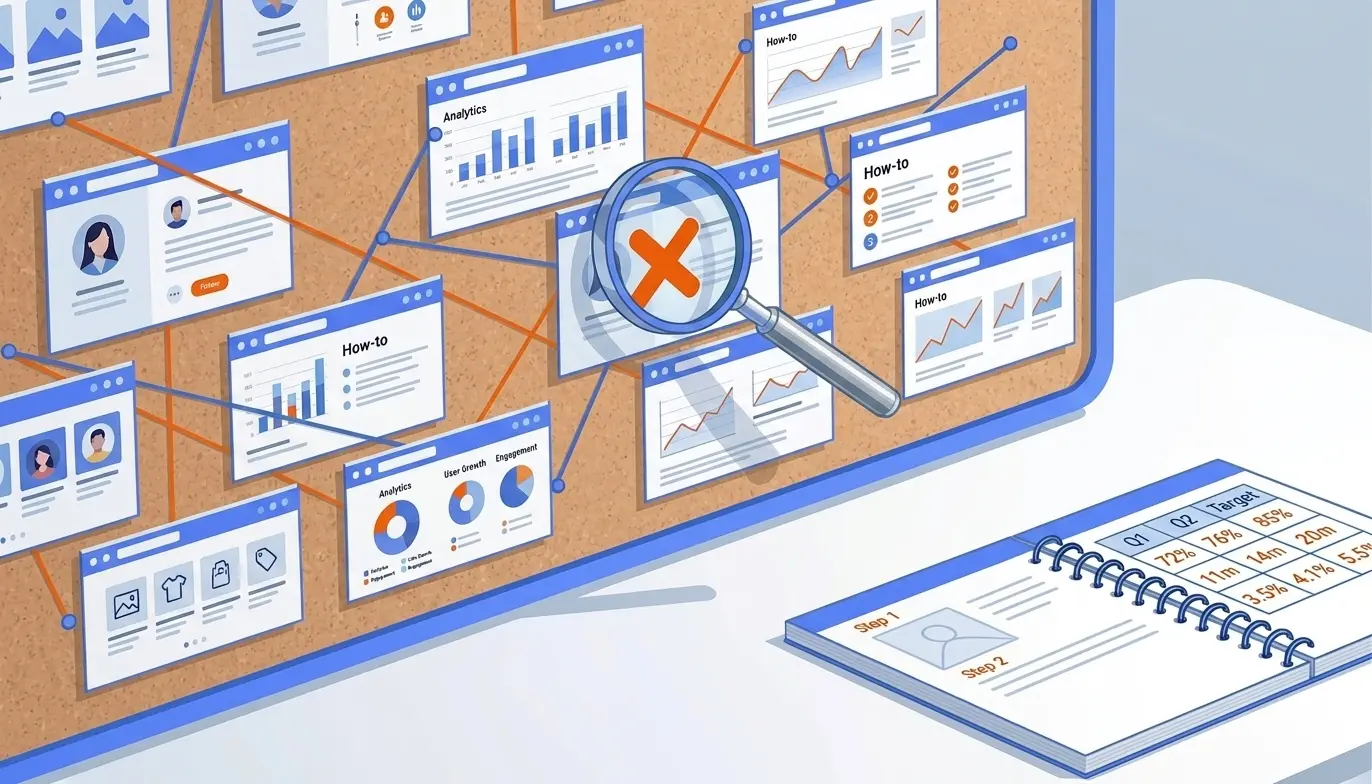
Start by mapping pages to intent. You want at least one page per intent bucket: “I need a thing” (service/product), “I’m comparing options” (comparison), and “I’m learning” (guide).
Here’s the minimum site map that consistently produces early wins for side projects:
| Page type | Build it when | What it targets | Wix page template tip |
|---|
| Service or offer page (1 per core offer) | Day 1 | High-intent queries (“[service] in [city]”, “freelance [role]”) | Use a simple page, not a blog post; keep one CTA repeated 2-3 times |
| Use-case or niche page (1-2) | Week 1 | Long-tail intent (“[service] for [industry]”) | Duplicate your offer page and rewrite the proof and examples |
| Pricing or “How it works” | Week 1 | Trust and conversion searches | Add FAQs, deliverables, and a simple process section |
| About (credibility) | Day 1 | Brand searches and trust | Add specific proof: projects shipped, years, results |
| Blog / resources (2-4 articles) | Week 2 | Informational searches | Publish around problems your offer solves, not “company updates” |
If you’re tempted to build a single page site, be honest about the tradeoff. SEO for single page website setups is possible, but it’s a handicap because you collapse multiple intents into one URL, which usually weakens relevance and internal linking. If you do start with one page, treat it as temporary and plan your first 3 supporting pages immediately.
For planning topics without guessing, use a lightweight system: list 10 customer questions you’ve already heard, then group them into 3-4 clusters. That cluster becomes your first month of content. If you want a more structured approach, VellumUp’s breakdown of what an AI website scan learns from your URL mirrors how we diagnose “what should this site publish next?” in real projects.
How do you set titles, headings, and image alt text in Wix? (On-page setup that actually moves rankings)
Wix gives you enough control to ship solid on-page SEO. The mistake is treating these fields like decoration instead of relevance signals.
Page title (title tag): Make it match the query you want. Put the main topic first, then the differentiator, then the brand. Keep it human. Google can rewrite titles, but you still want to feed it a clean option. Google’s own guidance on writing titles is worth following: Google Search Central title link guidance.
Meta description: This won’t “rank” you by itself, but it will affect clicks. Write it like an ad for the exact query. Include one proof point (time saved, guarantee, location, niche).
Headings: Use one H1 per page. Make it the on-page version of the title, not a slogan. Then use H2s for the sections that answer follow-up questions.
A simple pattern that works on service pages:
- H1: the service + qualifier
- H2: who it’s for
- H2: what you get (deliverables)
- H2: proof (case study or examples)
- H2: FAQs (real objections)
Image alt text: Alt text is not a keyword dump. It’s a description of the image for accessibility, written in the context of the page. Example: “Screenshot of the onboarding checklist inside the dashboard” is good. “SEO web design Wix free website builder best agency” is not.
In Wix, you’ll typically set these in the page’s SEO settings and the image settings panel. If your Wix website has lots of decorative images, prioritize alt text on images that matter: product photos, before/after visuals, diagrams, and screenshots that support the content.
One more practical rule: don’t change URL slugs after publishing unless you’re prepared to 301 redirect. Early traction dies when a page gets shared, indexed, then moved.
What basic technical SEO settings can you control? (The levers that prevent silent failure)
On a free builder, you’re not doing advanced server-side tuning. You’re preventing the common technical issues that stop pages from being eligible to rank.
Start with the three “eligibility gates”:
1) Indexing eligibility: noindex, canonicals, and robots
If a page can’t be indexed, nothing else matters. In Wix, confirm that important pages are set to be indexable and that you’re not accidentally blocking them with site-wide settings. Canonicals should generally be self-referencing for standard pages unless you have duplicates.
Robots rules should be conservative. Block internal search results and thin tag pages if they exist, not your actual content. If you want the definitive reference, Google’s documentation is the source of truth: robots.txt specifications.
2) Sitemap basics
Your sitemap is the crawl map you hand to Google. Wix generates sitemaps automatically for most setups, but you still need to verify it’s accessible and includes your important URLs. If you publish a new page and it doesn’t show up in the sitemap, that’s a red flag.
3) Performance: Core Web Vitals and page weight
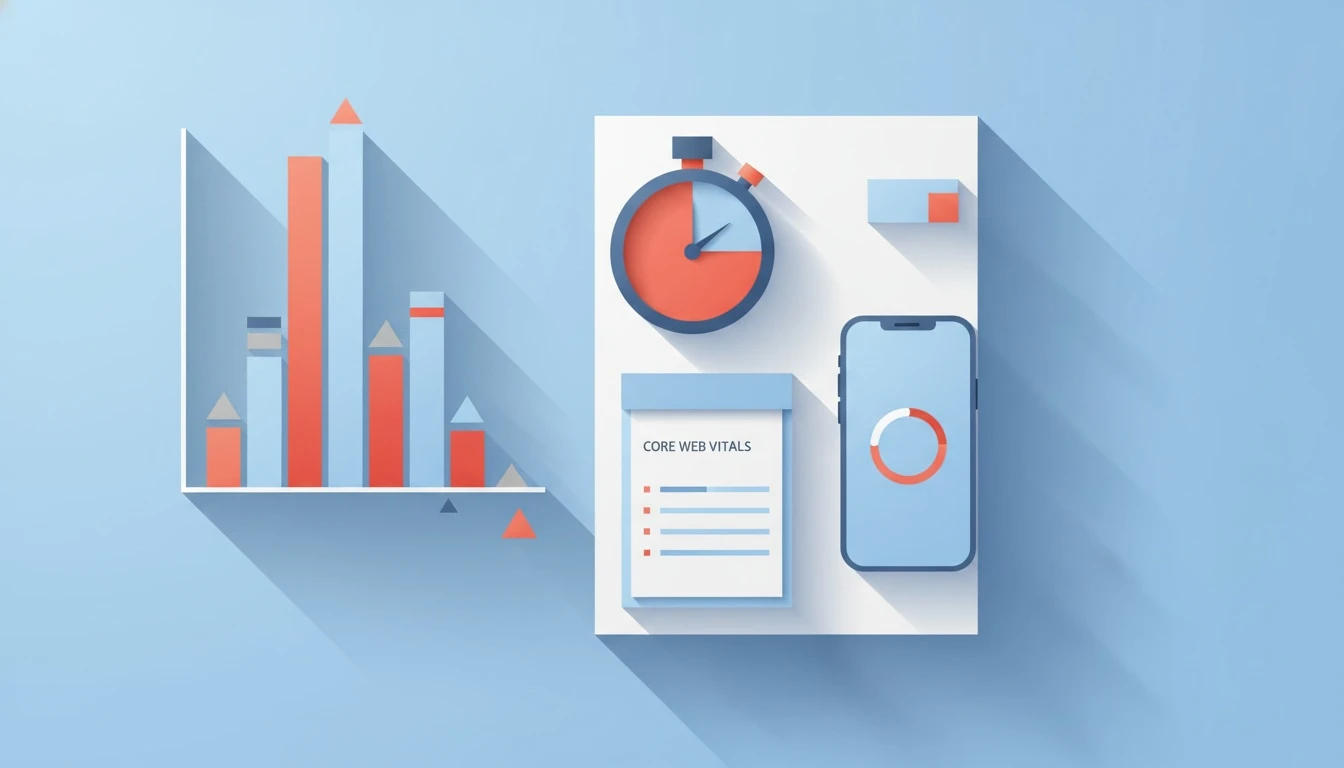
Core Web Vitals are not a magic ranking hack, but slow pages kill conversions and can hold back competitive queries. Google’s definitions matter here because they’re measurable: Core Web Vitals overview.
What I see most often on Wix free sites: a beautiful hero section with heavy media, then a page that takes too long to become usable. Your fastest wins are usually reducing the number of above-the-fold elements, limiting animations, compressing images, and avoiding huge background video.
If you’re choosing tools as you grow, it helps to understand which website development tools keep pages fast. This guide to best website development tools for fast pages lays out what actually impacts load and what’s mostly marketing.
How do you verify indexing and fix coverage errors? (Search Console workflow)

If you do only one “SEO tool” setup on day one, make it Google Search Console. It’s free, and it tells you whether Google can see your site.
Here’s the exact workflow I use when a new Wix free website goes live:
1) Verify the property in Google Search Console
2) Submit the sitemap URL
3) Inspect your most important page URLs
4) Watch the Pages report for indexing/coverage issues
5) Fix issues, then request reindexing for critical pages
Common coverage problems and what they usually mean in practice:
| Search Console signal | What it usually means | What to do first |
|---|
| Crawled - currently not indexed | Content looks thin or duplicative, or site is too new | Improve the page (more specific intent, proof, FAQs), add internal links, wait 1-2 weeks |
| Discovered - currently not indexed | Google found it but isn’t spending crawl budget yet | Ensure sitemap includes it, link to it from a strong page, avoid publishing 50 thin pages at once |
| Alternate page with proper canonical | Google chose a different canonical | Check canonical settings and duplicate pages; avoid near-identical templates |
| Blocked by robots.txt | You (or a template) blocked it | Remove the block if it’s a real page you want indexed |
| Soft 404 |
This is also where you catch “silent failure”: you publish, but Google never indexes, so you think SEO “doesn’t work.” If that’s been your experience, the diagnostic framing in why your website has great content but still doesn't rank matches the same root causes we see across builder sites.
Analytics tagging + content cadence: prove traction before you upgrade
If you’re trying to get the highest ROI before paying for tools or an SEO freelancer, your job is to create evidence: indexed pages, impressions rising, and a couple of queries moving from position 50 to 20 to 10.
Two setups matter:
Analytics tagging: Use Google Analytics (GA4) so you can see what pages get organic entrances and whether people do anything after landing. Pair it with Search Console so you can connect queries to pages. The point is not dashboards. The point is answering: “Which page type is earning impressions, and which topic cluster should I double down on?”
Content cadence: Consistency beats intensity. One strong page per week for 8 weeks will outperform a weekend sprint of 20 thin posts, especially on a new domain. When teams ask why they’re stuck, it’s usually not “SEO is hard,” it’s “we stopped publishing.” The economics are blunt, and we’ve seen it repeatedly: the real cost of not publishing SEO content consistently is that you never build the compounding layer Google rewards.
A practical publishing plan for a side project:
- Week 1: publish core offer page + pricing/how it works
- Week 2-4: publish 3 guides that answer buyer questions
- Week 5-8: publish 2 niche pages + 2 comparison pages (even if they’re “X vs Y” at a basic level)
Keep internal linking simple: every new article links to the relevant offer page and one related guide, using descriptive anchors (not “read more”). That’s enough to start building topical authority.
Next step: run this checklist on your site today
Open your Wix website and pick one core offer page. Fix the title, H1, and URL slug, add two proof elements (a result, a screenshot, a testimonial), then connect it internally from your homepage and one blog post. After that, verify the page in Search Console and request indexing. Repeat weekly until you have 8-12 pages that each target a specific query and intent.
If you want this whole process automated end-to-end (topic research, brand voice matching, images, scheduling, and publishing to your site), connect your CMS through VellumUp’s Wix integration for auto-publishing SEO articles and start building a consistent cadence without babysitting drafts.

 VellumUp9 min read