walter writes ai is the fastest way to turn a Wix site into a multilingual publishing system without wrecking rankings. This QA playbook shows the exact hreflang, canonical, internal linking, and Search Console checks we use to stop wrong-language results, prevent translated pages from competing, and confirm Google is indexing the right country and language URLs.
What hreflang setup does Wix need for multilingual SEO to work reliably?
Hreflang is a set of page-level signals that tells Google which URL to show for a given language and (optionally) country. If your Wix multilingual setup is missing hreflang, mis-mapped, or inconsistent, you get the classic symptoms: UK pages ranking in the US, Spanish pages outranking English pages, or Google indexing only one version and ignoring the rest.
On Wix, the reliable hreflang setup comes down to three things: a clean URL structure, one-to-one page equivalents across languages, and self-referential consistency.
Start with URL structure. Pick one pattern and keep it everywhere:
Creating “fake” country variants with identical content
Separate domains
example.fr
,
example.es
Big orgs with local domains
Harder to maintain and link internally
If you are expanding to multiple countries with mostly shared language, do not create country variants unless you have real localization (pricing, shipping, legal terms, units, offers). Google treats thin “copy and swap the flag” variants as low value.
Next, map page equivalents. Every indexable page in language A should have a matching page in language B, even if the translation is not live yet. If it is not ready, block indexing for that page until it is complete. Partial rollouts create broken hreflang clusters where Google loses trust in the mapping.
Finally, make hreflang consistent. In a correct cluster, each page:
references itself with hreflang
references each alternate language URL
includes an
x-default
when you have a global selector or fallback
You can validate this quickly by inspecting a few representative pages (home, a category, a top blog post, and a high-intent landing page). If you are auto-publishing content, this check is non-negotiable because automation multiplies mistakes.
If you are using Wix auto-publishing and see indexing lag or weird language selection, fix the basics first, then run the indexing QA steps in Wix SEO: Fix Indexing After Auto-Publishing.
External reference worth keeping open while you QA: Google’s own hreflang documentation is still the clearest definition of what “correct” means.
How do you prevent translated pages from competing with each other?
Translated pages compete when Google cannot confidently tell they are alternates, or when you accidentally publish near-duplicates inside the same language. The fix is a mix of canonicals, keyword localization, and avoiding internal duplication.
First, understand the rule: Canonical tags are for duplicates. Hreflang is for alternates. If you canonical all translations to English, you are telling Google the translation is not the preferred version. That is how you end up with only one language ranking.
What we aim for on multilingual Wix sites is:
Each language page has a self-referencing canonical (canonical points to itself).
Hreflang connects the alternates.
Only true duplicates (print pages, tracking parameter URLs, faceted duplicates) canonical to a single version.
Second, localize keywords, not just text. A direct translation can be linguistically correct and still miss search intent. “Running shoes” becomes “chaussures de course” in French, but the query mix might lean toward “basket running” depending on country. You do not need Surfer SEO for this, but it can help when you are calibrating content to localized SERPs. Use it as a validator, not as the strategy.
The practical workflow we use:
Pick one primary keyword per language page that matches local intent.
Adjust the title tag and H1 to that keyword, not a literal translation.
Keep the page purpose identical across languages so hreflang remains clean.
Third, stop same-language duplication. This is the quiet killer in auto-publish workflows. If you publish “/en/blog/wix-seo-multilingual” and later publish “/en/blog/multilingual-wix-seo” targeting the same intent, you created internal competition. A content plan should include a “topic to URL” ledger so automation does not drift.
This is where content machines either shine or implode. The difference is governance: a stable URL rule, a topic map, and a publishing system that checks for collisions before pushing live.
If your AI writing process keeps producing generic translations that sound off-brand, fix voice first. We wrote a blunt guide on Brand Voice Matching: Fix Robotic AI Blog Posts because “technically correct” copy still loses conversions.
What checks confirm Google is picking the right language/region URL?
The only checks that matter are the ones that show what Google indexed and what searchers actually clicked. That means Google Search Console plus analytics, not “it looks right in the editor.”
Here is the QA sequence we run after launching a new language or turning on automated scheduling.
Search Console checks (indexing and selection)
In Google Search Console, start with the URL Inspection tool on 3-5 pages per language. You are looking for:
Google-selected canonical matches your intended canonical.
Page is “Indexed” (not “Discovered” forever).
The rendered HTML includes hreflang links (if you can see them in the output).
Then go to Performance and filter by Page. Compare the same page intent across languages. If the English URL is getting impressions in a French market while the French URL gets none, it is almost always one of these: missing hreflang, wrong canonical, blocked indexing, or weak localization.
, you need real country differentiation or Google will collapse signals.
Analytics checks (behavior and wrong-language landings)
Search Console tells you what Google showed. Analytics tells you what users did after landing.
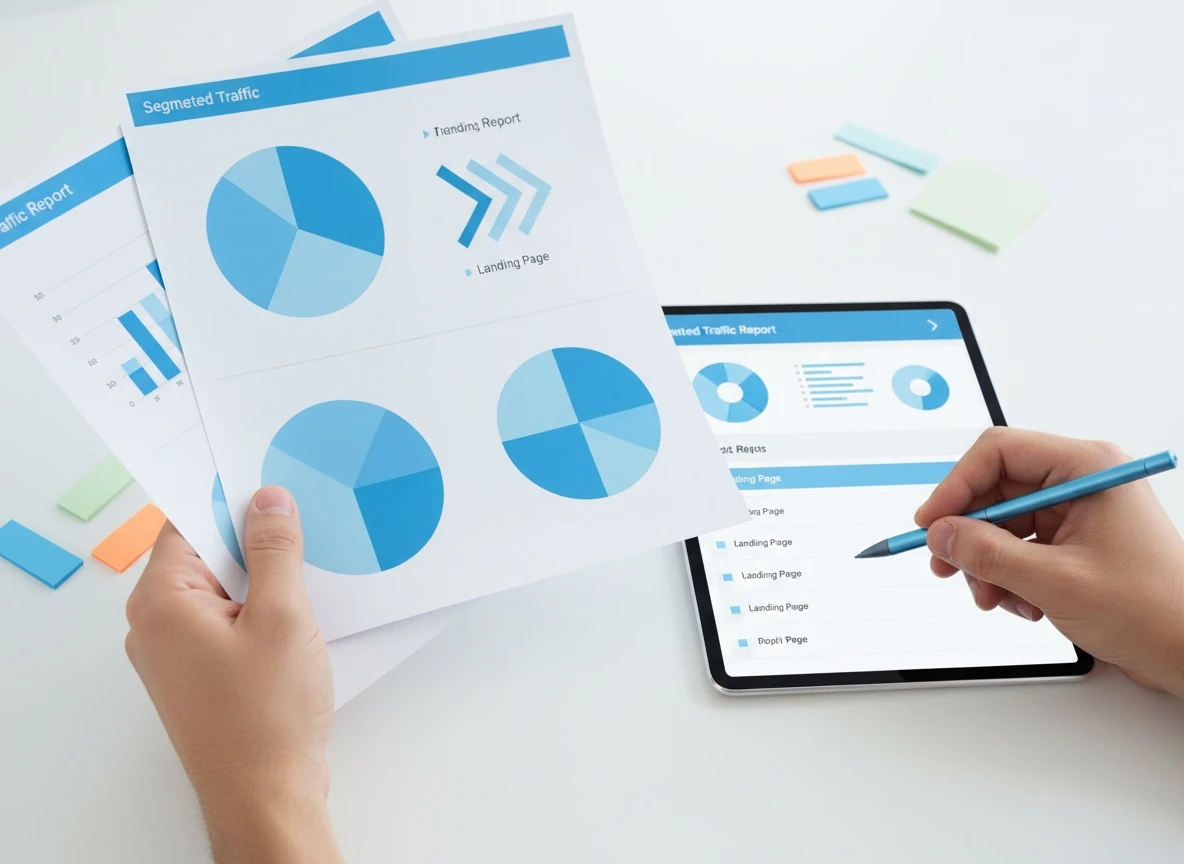
Create a simple segment per language folder, then watch:
Landing page by country
Bounce rate and time on page for “wrong-language landings”
Conversion rate split by language
A pattern we see often: the wrong-language page ranks, gets clicks, and users bounce fast. That bounce is not a “content quality” problem. It is a language targeting problem.
If you do not already have clean analytics, fix that before scaling multilingual publishing. Start with learn how to set up Google Analytics and make sure your language folders are easy to filter.
One pull-quote-worthy rule: If Search Console shows the right URL but users still land in the wrong language, your internal links and navigation are leaking people across languages.
How should internal links behave across languages in an auto-publish workflow?
Internal links should keep users in the same language by default, and only switch languages when the user explicitly chooses. This is both an SEO and a conversion rule.
When internal links bounce users between languages, you create three problems at once:
Google crawlers waste budget hopping across alternates.
Users land on a page they cannot read, then leave.
Your hreflang signals get “contradicted” by your own site architecture.
The clean rule set we use for Wix multilingual sites:
Navigation menus are language-specific. The French menu links to French URLs only.
Body links inside translated articles point to the equivalent page in the same language.
If an equivalent does not exist yet, link to the language home page or a category hub, not the English page.
Language switcher is the only “cross-language” link users should need.
This is where automation needs to be smarter than simple AI writing. If you auto-publish, you want your system to understand internal linking as a graph with language constraints, not a random set of “related posts.”
VellumUp handles this by learning your existing URL structure and publishing directly through your CMS connection, whether that is Wix, WordPress, Shopify, Webflow, or a webhook workflow. If you are comparing options, the practical starting point is to confirm your stack is supported in VellumUp integrations for Wix, WordPress, Shopify, Webflow, and webhooks so your internal link rules can be enforced at publish time, not fixed later.
If you want a forward-looking checklist for how AI search surfaces multilingual results, keep Wix SEO in 2026: AI Search Visibility Checklist bookmarked. It covers the “Google plus AI answers” reality that most Wix site owners are now seeing.
A practical hreflang QA checklist you can run in 30 minutes
This is the fast audit we run before we scale publishing to a new language. It catches 90% of multilingual SEO failures early, when fixes are cheap.
Check
How to test
Pass criteria
What to fix if it fails
URL structure is consistent
Manually review 10 URLs per language
One folder pattern, no mixing
Standardize paths, redirect strays
Canonical is self-referencing
View source or GSC inspection
Canonical equals current URL
Fix templates, remove cross-canonicals
Hreflang cluster is complete
Inspect 3-5 page types
Self + all alternates + x-default
Add missing alternates, fix mismatched URLs
Indexing is actually happening
GSC Pages report
Indexed count grows after publish
Fix noindex, sitemap, internal links
Internal links stay in-language
Crawl 2 articles per language
Links point to same-language equivalents
Update link rules in your workflow
Titles target local intent
Compare SERP queries by locale
Keywords match local phrasing
Rewrite titles, headings, snippets
If you only do one thing: check Google-selected canonical in Search Console for each language version of your top money page. It is the quickest signal that Google trusts your setup.
Frequently Asked Questions
Do publishers check for AI writing?
Yes, serious publishers and many brands do manual review, and search engines can evaluate quality through patterns like thin content, repetition, and low engagement. The safest approach is human-level editing standards, real examples, and pages that match search intent in each language.
How trustworthy is Walter writes AI?
Trust comes from output quality and workflow controls, not a tool name. Look for consistent brand voice, clean internal linking, and measurable outcomes in Search Console and analytics after publishing.
Does Walter write pass AI detection?
“Passing detection” is the wrong goal because detection tools are inconsistent and easy to game. The right goal is content that reads naturally, answers the query completely, and earns engagement and links.
What is the content machine?
People use “content machine” to describe a system that plans, writes, and publishes at a steady pace. The difference between a good one and a bad one is QA: canonicals, hreflang, internal links, and topic collision prevention.
Next step: run the QA on one language pair before scaling
Pick one high-intent page (pricing, a top category, or your best converting landing page). Create the translated version, then run the 30-minute QA checklist above. Once that page is clean in Search Console and your internal links keep users in-language, you can safely turn on automated scheduling for the rest of your multilingual content plan.

 VellumUp9 min read