What changes when you connect a custom domain (and why SEO can wobble)
Wix free website builder sites typically live on a Wix subdomain (for example,
username.wixsite.com/site
). When you connect a
free website domain upgrade (your own domain), three things change at once: the URLs, how Google discovers the site, and how authority (links) consolidates.
From an SEO perspective, the custom domain is effectively a new host. Google can handle host changes cleanly, but only if you make it unambiguous which URLs are the “real” ones and where the old ones should go.
Here are the failure modes I see most often on a wix free website to paid upgrade:
| Change | What can go wrong | What “good” looks like |
|---|
| Domain + URL structure | Old URLs return 404 or 200 without redirect | Old URLs return 301 to the closest matching new URL |
| Protocol (HTTP vs HTTPS) | Mixed versions get indexed | Only HTTPS resolves, HTTP always redirects |
| Host variant (www vs non-www) | Both hosts index, splitting signals | One host is primary, the other redirects |
One practical note: if you are also redesigning during the upgrade (common with seo web design refreshes), separate the projects if you can. Domain change plus a full IA rewrite is how migrations become impossible to debug.
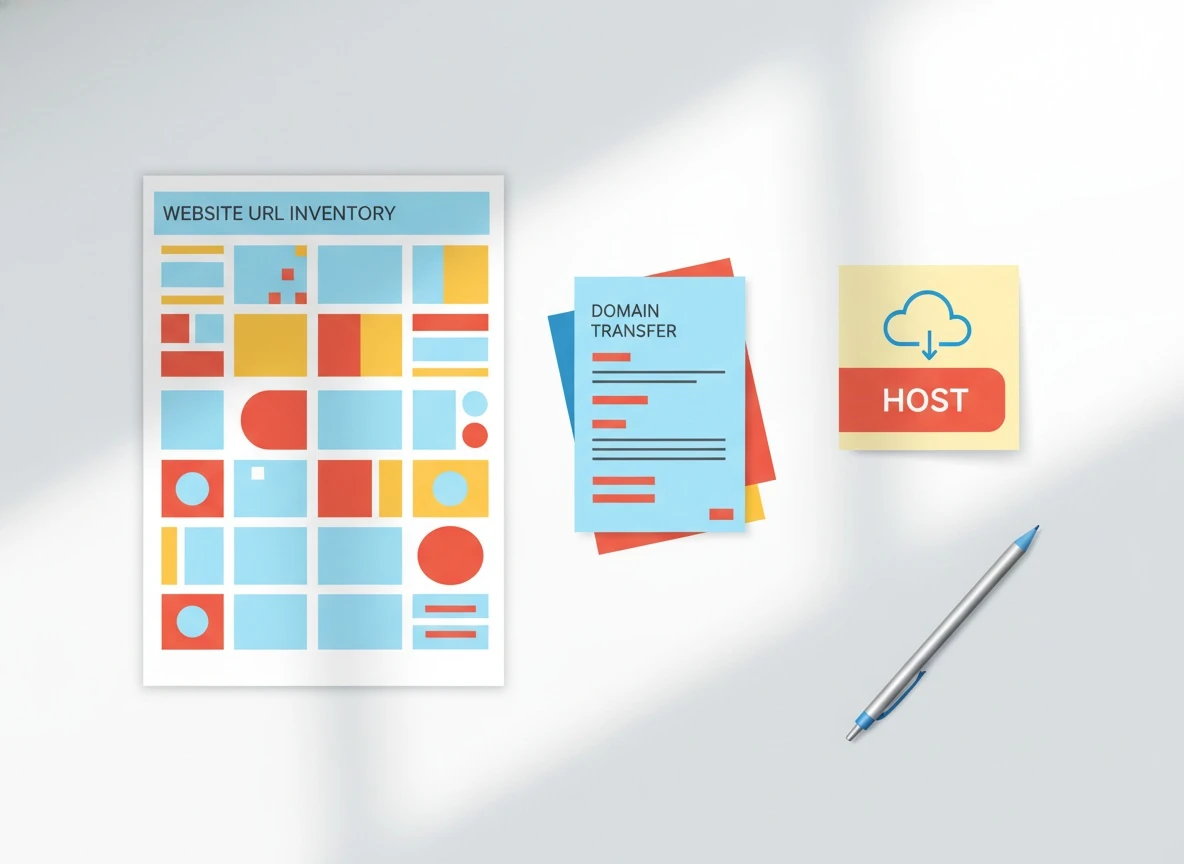
If you want a cleaner starting point, run a baseline crawl and inventory first. VellumUp’s website scan for SEO and what the AI learns from your URL is a good model for what you should capture: indexable URLs, titles, internal links, and content themes.
seo freelancer migration plan: from Wix free website to custom domain
seo freelancer migrations succeed when you treat them like a checklist, not a vibe. Before you connect the domain, you want a snapshot of what exists today so you can prove what changed tomorrow.
Do this in order:
- Export a URL list of your important pages (home, top services/products, top blog posts, contact, and any pages with backlinks). If you do not have a crawler, at minimum pull the top landing pages from Wix analytics and Search Console.
- Record current index status in Search Console (Coverage/Indexing counts, top queries, and top linked pages).
- Decide your canonical host:
https://www.example.com/
or https://example.com/
. Pick one and stick to it.
- Connect the domain and force HTTPS.
- Validate redirects and canonicals.
- Resubmit sitemap and monitor.
Order matters because you need a “before” snapshot to diagnose “after” problems fast.
How to handle seo and redirects (301s) without losing links
seo and redirects is the core of preserving rankings in a domain move. If you do only one thing right, do this.
A 301 redirect tells Google the content permanently moved. That is how link equity flows from the old Wix subdomain to the new domain. Google’s own documentation is clear that 3xx redirects are the right mechanism for moved content, and that you should avoid redirect chains where possible. Use Google Search Central guidance on redirects as your reference point when you QA.
What I check in real migrations:
- Old URL returns
301
directly to the new URL (not 302, not 200).
- The redirect lands on the closest matching page, not the homepage. Redirecting everything to home is a classic “soft 404” trigger.
- No chains. Old URL -> intermediate URL -> final URL wastes crawl budget and slows consolidation.
- The destination page returns
200
and is indexable.
If you have external links you care about (directory listings, PR mentions, guest posts), pull them from Search Console’s Links report and spot-check their target URLs after the migration. If you’re paying for an seo backlinks service, this is non-negotiable: you want those links pointing into live, indexable pages.
How do you handle redirects and canonical URLs (so Google picks the right pages)?

Canonicalization is where most Wix upgrades quietly leak SEO. You can have perfect 301s and still end up with duplicate indexing if canonicals, host variants, or parameter URLs disagree.
Start with a definition you can hold onto: A canonical URL is the single version of a page you want search engines to treat as the source of truth.
Your job after connecting a domain is to make these four signals agree:
| Signal | Must resolve to | How to verify fast |
|---|
| Browser URL | Your chosen HTTPS host | Type both www and non-www, confirm one redirects |
| Canonical tag | The same chosen HTTPS host | View source and find rel="canonical"
|
| Sitemap URLs | The same chosen HTTPS host | Open your sitemap and inspect sample entries |
| Internal links | The same chosen HTTPS host | Crawl or spot-check nav/footer links |
If you ever operated multiple versions (for example, a staging site, a duplicate template, or a language copy), this is where you accidentally recreate a wordpress duplicate page problem on Wix: two URLs with the same content, both indexable, and Google choosing the wrong one.
Also watch for trailing slash consistency. Pick a standard (Wix often enforces its own patterns) and ensure redirects normalize the other version.
What to monitor in Search Console after migration (the 2-week truth test)
What should you monitor in Search Console after migration? Start with the pages that pay your bills: your top landing pages and the pages with real backlinks.
Three Search Console workflows matter most right after the move:
First, submit the new sitemap and confirm Google can fetch it. If you do not see “Success” for the sitemap fetch, you are debugging discovery, not rankings.
Second, use URL Inspection on priority pages and look for “Google-selected canonical” vs “User-declared canonical”. When those differ, you have a canonicalization conflict and Google is telling you it does not trust your signals yet. This is one of the fastest ways to catch duplicates early.
Third, watch indexing and coverage patterns for spikes in “Duplicate, Google chose different canonical” and “Crawled - currently not indexed”. A small bump is normal during consolidation. A sustained climb means Google is confused or your content quality is thin relative to the new site’s signals.
Google publishes the official definitions for these states in Search Console coverage and indexing documentation. Use it to interpret what you’re seeing instead of guessing.
If you’re bulk publishing content (or using an automated pipeline), indexing issues can look like a migration problem even when it’s actually a publishing pattern problem. This is why we built VellumUp’s playbooks like why your website has great content but still doesn’t rank and the more Wix-specific Wix SEO mistakes after bulk publishing to separate “domain move” from “content velocity and quality signals.”
How to avoid duplicate versions of the site (HTTPS, www, caching, and internal links)
Duplicate versions are the silent killer in Wix migrations because they do not always tank traffic immediately. They just split signals, slow recrawling, and create unstable rankings.
Lock these down:
HTTPS consistency. Every HTTP URL must redirect to HTTPS. If you can load both, you will eventually see duplicates.
www vs non-www. Pick one host as primary and redirect the other. Then ensure canonicals and sitemaps match that choice. This is where a lot of “it’s indexed but not ranking” cases come from.
Internal link updates. After the migration, your navigation, footer, and in-content links should point directly to the new domain URLs. Redirects are a safety net, not a permanent architecture. When I audit migrations, I often find hundreds of internal links still pointing to the old Wix subdomain, which wastes crawl and slows consolidation.
Caching and CDN behavior. Wix and browsers can cache redirects aggressively. If you change redirect rules or domain settings, test in an incognito window and also with a fresh device. When diagnosing “it works for me” issues, caching is usually the culprit.
If you’re comparing platforms during this move (common question: wix vs wordpress), understand that both can rank. The difference is operational control: WordPress gives you deeper server-level control; Wix gives you a managed environment with fewer ways to break things. For small teams, managed wins when you pair it with consistent publishing.
If your goal is to keep publishing without manual copy-paste after the domain switch, set up your automation once and keep it stable. VellumUp’s how to connect Wix auto-publishing in 10 minutes is the workflow we recommend so the new domain becomes the default publishing target.
Frequently Asked Questions
What is the role of SEO in a domain migration?
SEO preserves demand you already earned. Redirects, canonicals, and consistent internal linking tell search engines that the same content moved, so rankings and backlinks consolidate instead of resetting.
What are the 4 types of SEO, and which ones matter most during a Wix domain move?
The four buckets are technical SEO, on-page SEO, off-page SEO (links), and local SEO. During a migration, technical SEO and off-page SEO matter most because redirects, canonicals, and backlink preservation determine whether authority transfers.
What is Dr. and Ur in SEO?
DR usually refers to Domain Rating (Ahrefs’ link authority metric), and UR refers to URL Rating (authority at the page level). They are third-party metrics, but they’re useful for prioritizing which pages must have perfect redirects because they carry the strongest link equity.
What are the 3 C’s of SEO?
A practical version is Content, Crawlability, and Credibility. In a migration, crawlability (redirects, canonicals, sitemaps) is what prevents content and credibility from getting “lost” during the move.
Next step: run a 60-minute migration QA before you flip the switch
Start by listing your top 20 URLs and testing each old URL for a single-hop 301 to the correct new page, then inspect the canonical tag on the destination. After you connect the domain, submit the new sitemap in Search Console and run URL Inspection on your top pages daily for the first week. If you want the new domain to publish consistently without extra ops, set up an automated schedule and keep the URL architecture stable from day one.

 VellumUp9 min read